STOP PLAYING DIABLO 4 LIKE A NOOB! 🛑
Are you still struggling with your inventory, missing loot, or getting wiped because you can’t see the screen? You’re not alone—but 90% of players are leaving the game’s best “hidden” features turned OFF by default!
From the “must-have” Advanced Tooltip settings that reveal the true power of your gear, to the secret scroll-wheel trick that makes looting look like lightning speed, top-tier players have been hiding these optimizations in plain sight. There’s a reason your screen looks like a mess during boss fights while pros have a crystal-clear view—and it all comes down to one toggle switch you’ve probably ignored.
Stop handicap-ing your grind. Here is the ultimate settings guide to making Lord of Hatred feel like a completely new, professional-grade experience:
For the casual player diving into Diablo 4: Lord of Hatred, the game’s UI can feel overwhelming. Amidst the visual spectacle of new skills and the constant bombardment of loot, it is easy to miss the critical settings that distinguish the elite from the amateur. As it turns out, the secret to a smoother, more competitive experience isn’t found in a new weapon—it is found in the “Options” menu.
1. Clarity is Power: Advanced Tooltips
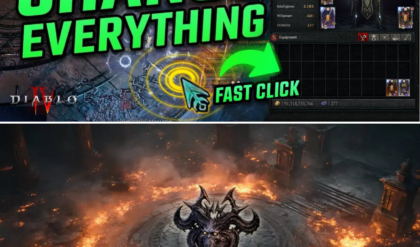
The most significant barrier for players attempting to build-craft is the lack of information on gear potential. By navigating to Gameplay > Advanced Tooltip Information and Advanced Tooltip Compare, players can finally see the true range of item stats (minimum/maximum values) and get an instant, shift-key comparison of what they gain versus what they lose when swapping equipment. For those struggling to determine if a piece of gear is a “God roll” or trash, this is not optional—it is essential.
2. The Looting “Scroll Trick”
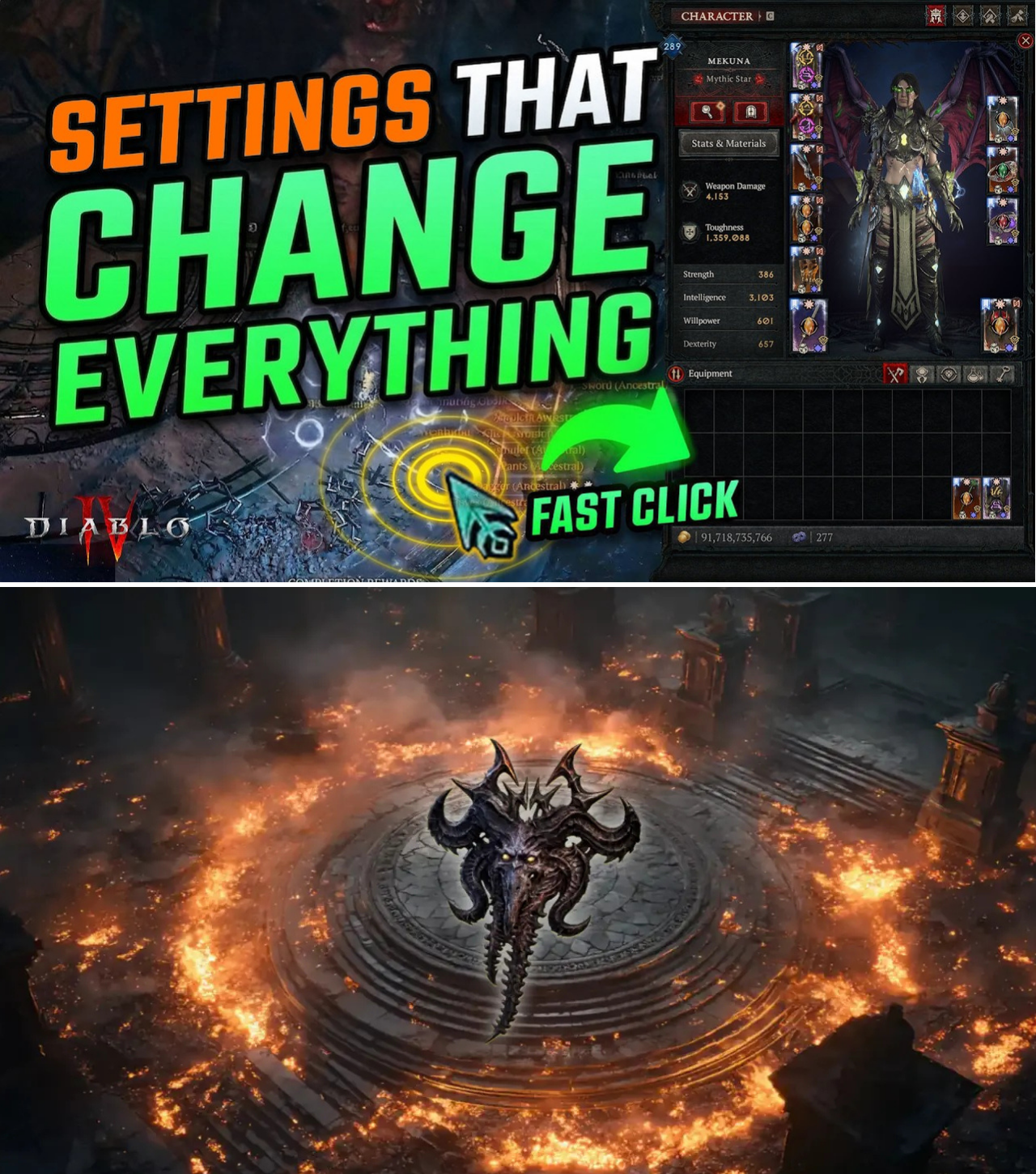
Perhaps the most sought-after secret in the Lord of Hatred community is how top streamers pick up items instantly. By assigning “Move” and “Interact” to the mouse scroll wheel (up and down), players can bypass the slow, click-heavy standard interactions. While some prefer a hybrid approach—keeping the left-click for combat and the scroll wheel for rapid looting—mastering this movement technique is widely considered the hallmark of a high-efficiency player.
3. Decluttering the Battlefield
As the game progresses into the high-octane endgame of Lord of Hatred, visual clutter becomes a legitimate liability. Top players consistently recommend several UI adjustments to clean up the screen:
Combat Text: Carefully managing what numbers appear on screen—specifically toggling off non-critical information during intense boss encounters—allows players to focus on enemy mechanics rather than raw data.
Screen Shake & Flash: Disabling “Screen Shake” and “Combat Heat Flash” removes unnecessary visual noise, a common culprit for player fatigue and disorientation during long farming sessions.
Health Bars: Enabling persistent health bars for monsters, self, and minions is standard practice. Knowing exactly how much HP an elite has left without hovering over them is the difference between a successful burst phase and a wasted cooldown.
4. The Visibility Edge: Cursors and Highlights
In the chaotic visual environment of the new expansion, losing track of one’s character or cursor is a common cause of death. Enabling High Contrast Cursor (with distinct colors like purple or red) and Display Character Highlights ensures that even when the screen is flooded with spell effects, the player remains visible behind walls or in the middle of a massive mob density.
5. Navigation and The Loot Filter
Finally, the introduction of the new Loot Filter in Lord of Hatred has been a godsend, though many players are unaware it must be manually enabled in Gameplay. Combined with the Pathfinder navigation assist and the new Overlay Map, players can now streamline their pathing and focus their farming on high-value drops rather than sorting through inventory clutter.
The Verdict
Diablo 4: Lord of Hatred is a complex beast, but it is a game that respects the player who takes the time to master its systems. As the community continues to push into the higher tiers of the Pit and Uber Mephisto, these UI optimizations are no longer just “nice-to-haves”—they are the foundation for high-level play.
If you feel your experience is lagging behind the meta, take a moment to dive into these settings. Sanctuary is a dangerous place; make sure you have the best view possible.
News
The Atlas Reborn: How to Navigate the Path of Exile 2 0.5 Endgame
STOP WASTING YOUR ENDGAME! The #1 Mistake in PoE 2 0.5 🛑 You just hit the endgame, and the new Atlas rework has you feeling like a lost tourist in your own map device. Everyone is rushing to juice their…
The Grenade Meta: Why This Explosive Build is Taking Over Path of Exile 2
IS THIS THE “BROKEN” BUILD GGG FORGOT TO NERF? 💣 The Grenade Meta Explained If you want to clear the campaign in under 4 hours, there’s only one path to take, and it’s blowing everything to pieces. The Grenade Levelling…
The Math of Destruction: Why Most Path of Exile 2 Players Are Scaling Damage Incorrectly
STOP SCALING YOUR DAMAGE WRONG! The Secret Multipliers PoE 2 Never Told You 🛑 Are you stuck on a boss, wondering why your “high DPS” build feels like it’s hitting with a wet noodle? You aren’t alone. The biggest mistake…
Speed-Running Act 3: How the Huntress “Cold Twister” Build is Dominating PoE 2
ACT 3 IS NO LONGER A NIGHTMARE! 🌪️ Huntress “Cold Twister” Build Breakdown Still getting stuck on Act 3 bosses and wasting hours on those “pesky” phases? It’s time to stop dodging and start dominating. The Huntress “Cold Twister” build…
The Currency Crisis: Mastering the Path of Exile 2 Campaign Economy
IS THE PoE 2 CAMPAIGN BROKEN? Or Are You Just Managing Currency Wrong? 🛑 Thousands of players are quitting the Path of Exile 2 campaign, calling it “brutal,” “unfair,” and a “grind-fest.” But what if I told you the campaign…
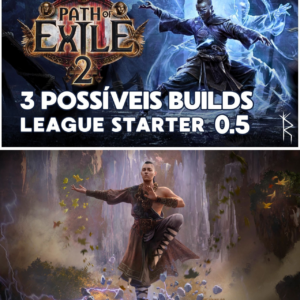
The Road to 0.5: Three League Starter Builds Set to Dominate Path of Exile 2
DON’T START YOUR PoE 2 LEAGUE WRONG! 3 Proven Builds for 0.5 🏆 Are you still scrambling for a league starter that won’t fall apart the moment you hit the endgame? With the “Return of the Ancients” update (0.5) dropping…
End of content
No more pages to load