Imagine losing 100+ hours of elite gear, rare boss drops, and your ultimate character progression in less than 30 seconds. A devastating cloud-sync exploit is quietly wiping out player accounts across PC and consoles, and the developer’s official response is leaving the community absolutely stunned.
It turns out Pearl Abyss explicitly documented this exact vulnerability on their official support page, yet thousands of players are completely blind to it until their save files are permanently corrupted. If you close your setup just a few seconds too fast, your entire journey vanishes into thin air—but a massive community-led rescue operation might be the only thing saving players from quitting the game for good.
Find out if your save file is at risk and how the community is fighting back against the wipe 👇
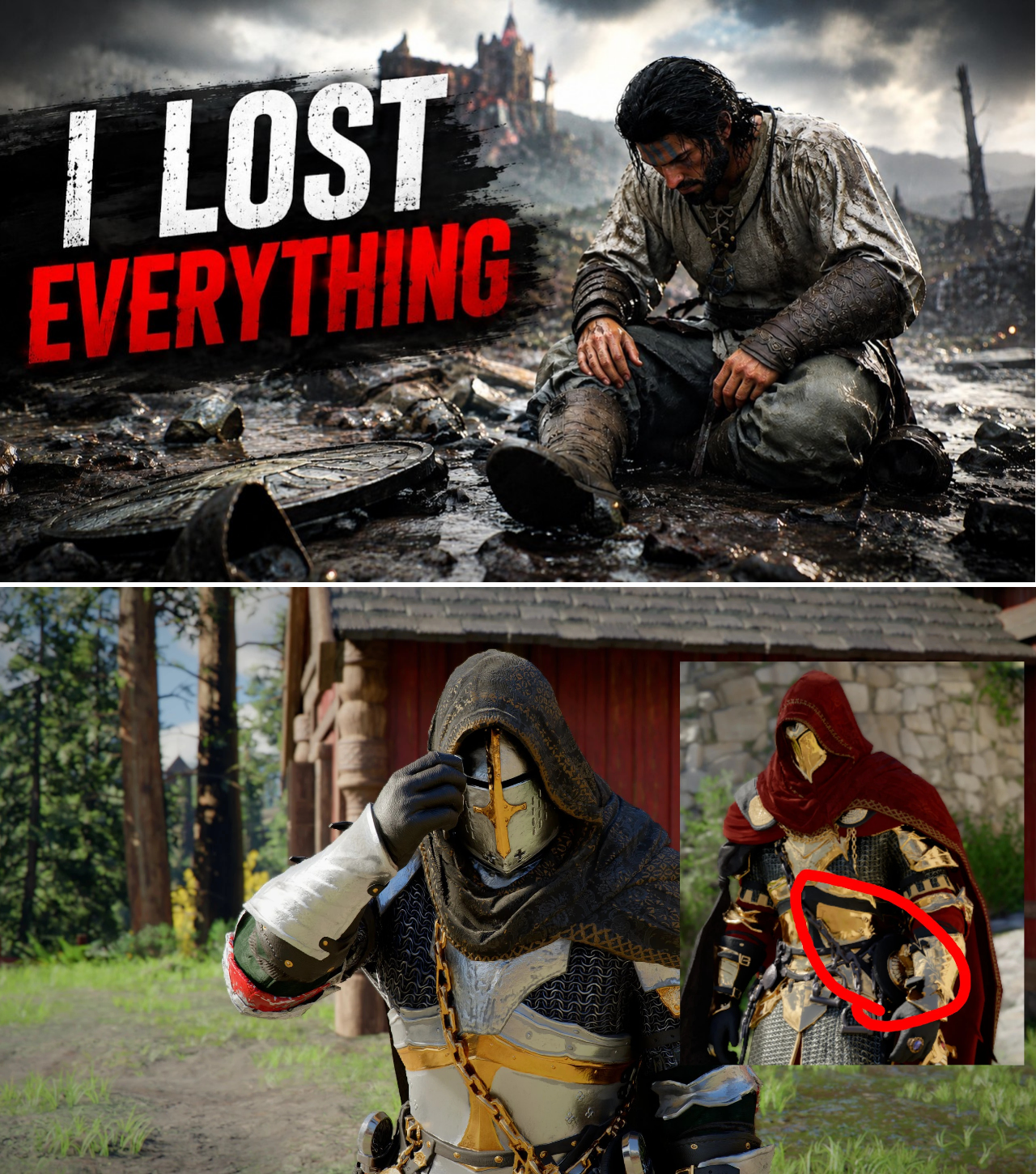
A critical save-data corruption vulnerability is sweeping through the Crimson Desert community, permanently erasing hundreds of hours of character progression, high-tier weapon collections, and unlocked skills. While frustrated players have taken to Reddit, X (formerly Twitter), and official Discord servers to vent their fury over lost profiles, a shocking discovery has shifted the narrative: Pearl Abyss officially warned the player base about this exact technical flaw, but almost nobody read the documentation.
As the community grapples with the sudden loss of endgame builds, an unexpected grassroots rescue operation on Nexus Mods has emerged as the only lifeline keeping devastated players from abandoning the critically acclaimed open-world title entirely.
The 30-Second Trap That Wipes Everything
The catastrophic bug does not stem from a conventional in-game glitch or an unstable server connection. Instead, it relies on a mundane, everyday habit: shutting down hardware too quickly after a gaming session.
According to viral community reports and technical deep-dives from affected creators, the flaw triggers during the post-game cloud synchronization window. When a player exits Crimson Desert and immediately shuts down their PC or closes their platform launcher (such as Steam or the Epic Games Launcher), the local client is abruptly severed from the cloud network before the upload finishes. This creates an immediate data mismatch. Upon the next boot-up, the older cloud save conflicts violently with the incomplete local data, resulting in total file corruption.
“All of those hard-earned swords, battles, bosses, countless hours of gameplay—gone. All files corrupted,” shared prominent gaming commentator VYC in a public broadcast detailing his experience with the bug. “It wasn’t a glitch. It was just a mistake that anyone could make right now without even knowing it. And the thing is, Pearl Abyss warned us.”
The vulnerability is not restricted to PC enthusiasts. Technical breakdowns confirm that the cloud-sync conflict applies equally to PlayStation and Xbox cloud save infrastructure, leaving the entire multi-platform ecosystem exposed to sudden data wipes.
The Warning in Plain Sight
As accusations of poor optimization began mounting against Pearl Abyss, online investigators uncovered clear evidence that the South Korean developer was well aware of the architecture flaw prior to the public outcry. Buried within the official Pearl Abyss support and troubleshooting archives is a explicit advisory detailing the exact mechanism behind the corruption.
The developer documentation reads:
“If the Steam client or Epic launcher is closed too quickly or shuts down unexpectedly before saving is complete, synchronization errors or save data upload failures may occur.”
The revelation has polarized the community. One faction of the player base defends the developers, arguing that standard cloud-syncing protocols across modern launchers require operational patience. However, a massive contingent of fans contends that an issue capable of completely erasing a player’s digital footprint should have been front-and-center within the game client, rather than hidden away on a passive support website.
“They knew about this,” an aggrieved player wrote in a trending Reddit thread. “Hiding a literal progression-killer inside a sub-menu on a website isn’t a warning—it’s an alibi.”
Nexus Mods to the Rescue: The Community’s Second Chance
For those hit by the total wipe, the initial outlook was grim. Historically, once a local and cloud save structure experiences full binary corruption, the data is permanently unsalvageable. The prospect of restarting from scratch—re-grinding elite armor sets, hunting elusive bosses, and re-unlocking skill trees—prompted many to state they were ready to drop the title for good.
However, the PC modding community has stepped in to fill the void left by the developer’s technical limitations. In an unprecedented move for a predominantly single-player action-adventure title, veteran players have begun transforming Nexus Mods into a digital public utility. Rather than uploading cosmetic or gameplay altering mods, high-level players are actively uploading their personal, uncorrupted end-game save files for free public download.
These community-contributed save files feature highly optimized, meticulously grinded character progressions, giving victims of the bug an immediate avenue to bypass the early-game grind. Players who lost everything are using these public saves to jump straight back into high-level territories like Hernand to test out top-tier builds against notorious bosses like Matus. While it does not restore a player’s exact, personalized journey, it has single-handedly prevented a mass exodus of the game’s most dedicated player base.
How to Protect Your Progression Today
With no official hotfix currently deployed to automate an emergency backup system, the community has established a strict, three-step manual protocol that all Crimson Desert players are urged to implement immediately to secure their profiles:
In-Game Termination Only: Never use hardware shortcuts (like Alt+F4 on PC) or force-close the console dashboard while the game is active. Always navigate through the main menu and select the official “Quit to Desktop” or “Return to Title” prompt.
The 30-Second Rule: After exiting the game, observe your platform launcher (Steam, Epic, Xbox Live, or PSN). Wait at least 30 to 60 seconds to ensure the rotating sync icon finishes completely before shutting down the system or putting the console into sleep mode.
Manual Save Extraction: PC players are heavily advised to bypass cloud reliance entirely by manually archiving their local files after every session.
The exact file directory for local Crimson Desert save data is located at: C:\Users\[YourUsername]\AppData\Local\PearlAbyss\CD\SaveData (Note: Users must enable “Show Hidden Files” in Windows Explorer to access the AppData directory).
Industry analysts note that while community workarounds and Nexus Mods have stabilized the immediate panic, the pressure remains squarely on Pearl Abyss to introduce a robust, multi-layered fail-safe system to protect player data from standard system shutdowns. Until an official patch drops, the survival of a player’s journey through Crimson Desert rests entirely on their own manual diligence.
News

THE 5TH WYVERN EGG: Crimson Desert Discovery Sparks Massive 5-Elemental Dragon Theory Among Players
The entire Crimson Desert community is losing its mind after lore hunters discovered a hidden 5th Wyvern Egg that completely shatters the game’s current endgame meta. Everyone thought there were only four mythical mounts tied to the main map, but…

CRIMSON DESERT UPDATE 1.10: Devs Quietly Remove No-Fly Zones, Introduce Secret Mounts and Casino Mini-Games
Pearl Abyss just dropped Update 1.10 for Crimson Desert, and it quietly removed one of the most hated exploration restrictions in the entire game. Players are suddenly bypassing major geographic barriers on their massive flying mounts, pulling off insane maneuvers…

Hollywood Insider: ‘Call the Midwife’ Season 16 Delayed in Shocking Schedule Overhaul—Creator Confirms Feature Film and Prequel Series Spin-Off
🚨 END OF AN ERA: BBC’s longest-running medical drama just shattered its traditional broadcast schedule with a devastating, high-stakes hiatus announcement! Following a brutal, tear-stained Season 15 finale that left the show’s creator weeping on set, the newly surfaced production…

Hollywood Insider: ‘The Gilded Age’ Season 4 Promo Leaks Expose the Russells’ Icy Ballroom Ceasefire, Dark Addiction Theories, and Agnes van Rhijn’s Hostile Retaliation
🚨 THE GRANDEUR IS A LIE: HBO’s newly leaked The Gilded Age Season 4 footage reveals a devastating look behind George and Bertha’s glamorous reunion! That fleeting, magical two-second glimpse of New York’s ultimate power couple waltzing across the ballroom…

Hollywood Insider: ‘Off-Campus’ Season 2 Skips Novel Order to Focus on Dean and Allie—Inside Prime Video’s Record-Breaking Numbers and Shocking Love Triangle
🚨 THE SCANDAL IN THE LOCKER ROOM: Amazon Prime just blew up Elle Kennedy’s Off-Campus roadmap, confirming Season 2 completely skips Book 2! After pulling in an absolutely historic 36 million viewers in its first 12 days, the hit streaming…

Hollywood Insider: ‘Off-Campus’ Prime Video Adaptation Radically Alters Elle Kennedy’s Original Lore—Inside the Controversial Script Changes and Season 2 Shakeups
🚨 BOOKTOK IN SHAMBLES: Amazon Prime’s hit adaptation of Elle Kennedy’s The Deal didn’t just tweak the script—it completely butchered the most iconic book moments! If you thought you were getting a page-by-page translation of Garrett and Hannah’s legendary slow-burn,…
End of content
No more pages to load